5 Best 3D Printing Pens for Beginners and Hobbyists in 2026
Sketches to physical 3D shapes. Picks that match controls, materials, and comfort to your projects so building in 3D stays approachable.
Transparency Note
Five Picks is supported through advertising and affiliate partnerships. Our recommendations come from independent research and our own editorial judgment. If you choose to purchase a product through a link on our site, we may receive a commission at no additional cost to you.
Top 5 at a Glance
Quick comparison of our top picks
| Product | FivePicks Score | Price | ||
|---|---|---|---|---|
| 1 | 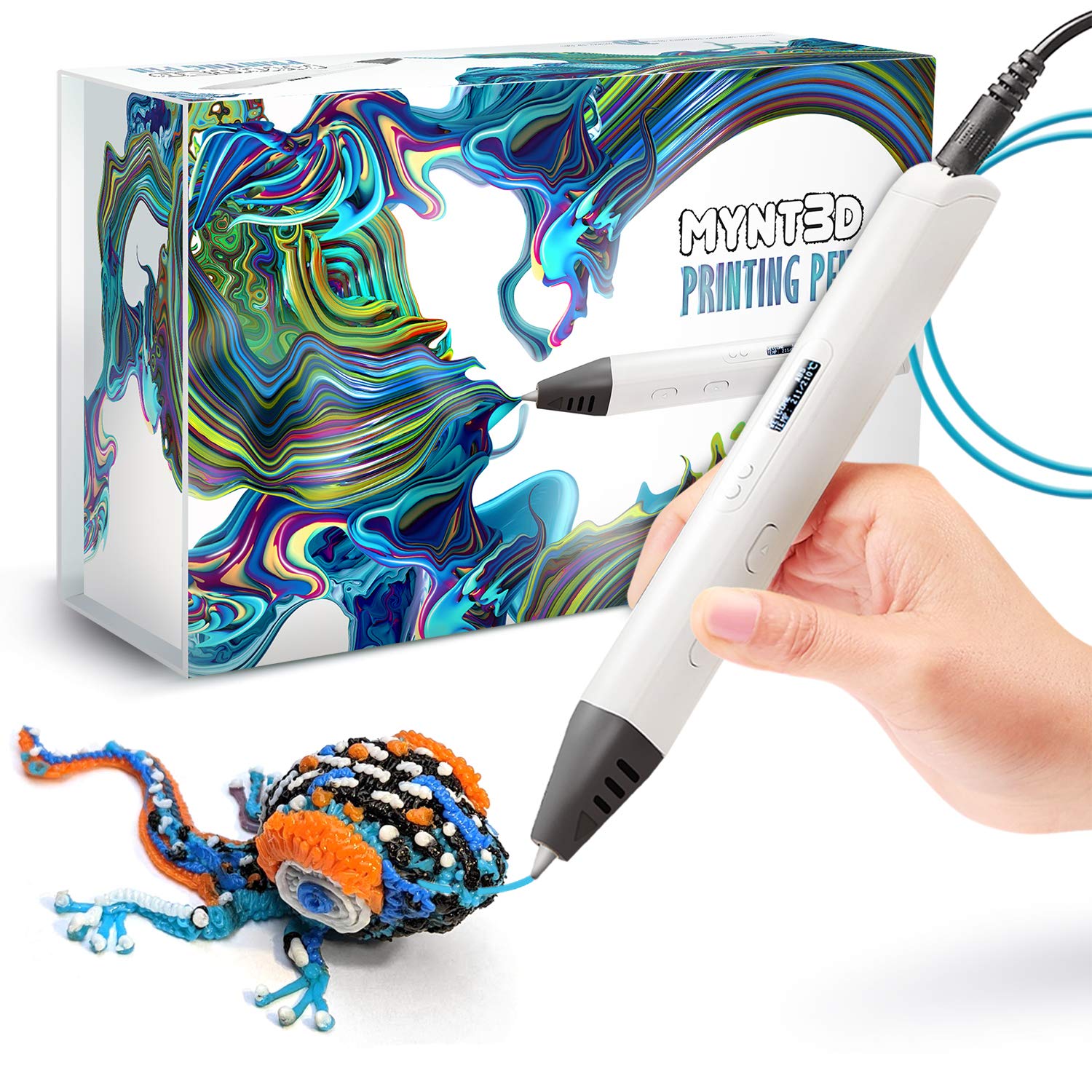 MYNT3D Professional Printing 3D PenBest Overall | 4.4/5 | $59 | |
| 2 |  SCRIB3D P1 3D Printing PenBest Budget | 4.4/5 | $35 | |
| 3 |  3Doodler PRO 3D Printing PenBest Premium | 4.4/5 | $145 | |
| 4 | 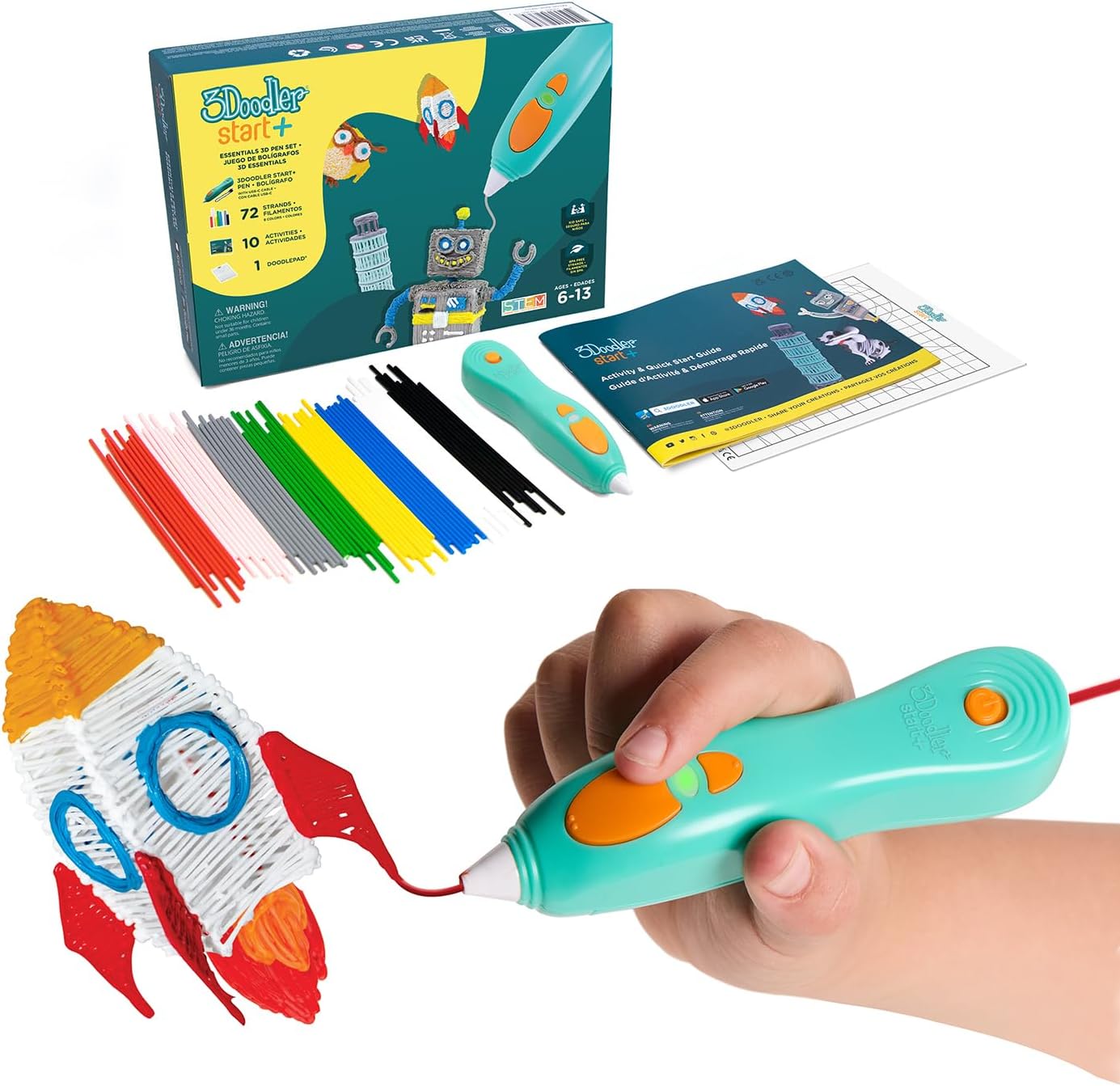 3Doodler Start+ 3D Printing Pen SetBest for Kids | 4.4/5 | $60 | |
| 5 |  PIKA3D PRO 3D Printing PenBest Value | 4.3/5 | $35 |
MYNT3D Professional Printing 3D Pen
SCRIB3D P1 3D Printing Pen
3Doodler PRO 3D Printing Pen
3Doodler Start+ 3D Printing Pen Set
PIKA3D PRO 3D Printing Pen
MYNT3D Professional Printing 3D Pen
FivePicks Score
Strengths
- Adjustable temperature for better material control
- Feed control helps with detail and infill work
- Good balance of performance and price
- Works well for hobby and practical projects
Trade-offs
- Requires some practice to dial in settings
- Not as beginner-focused as simpler pens
The MYNT3D Professional Printing 3D Pen is a strong all-around option for creators who want hands-on control over how their filament behaves. The standout feature is the adjustable temperature range, which makes it easier to fine-tune output for different materials and styles. That extra control is useful when you want clean outlines, smooth layers, or better detail work that does not turn into blobs.
It also includes adjustable feed control, which helps you slow down for precise sections or speed up when filling larger areas. The main trade-off is that the learning curve is slightly higher than beginner-only pens, since you will get the best results when you experiment with settings. If you want a flexible pen that can grow with your skill level, this is a reliable pick.
SCRIB3D P1 3D Printing Pen
FivePicks Score
Strengths
- Great starter kit with included PLA
- Stepless speed control for easier learning
- Approachable for casual projects
- Strong value for first-time users
Trade-offs
- More limited for advanced material experimentation
- Best for smaller projects and practice
The SCRIB3D P1 3D Printing Pen is a solid entry point if you want something beginner-friendly that still feels capable. It comes as a ready-to-use kit, which is convenient for first-time users who do not want to hunt for accessories before starting. The stepless speed control is especially helpful because it lets you slow down for clean edges or move faster once you feel comfortable.
It is well suited to casual creativity, school projects, or light repairs where you want basic control without paying for premium features. The main trade-off is that it is not aimed at professional workflows or advanced materials, so it is best used for standard filament and everyday projects. For the price, it covers the essentials and makes it easy to start building in 3D quickly.
3Doodler PRO 3D Printing Pen
FivePicks Score
Strengths
- Supports standard 1.75mm filament spools
- Designed for advanced projects and materials
- Good fit for makers and creative pros
- Display helps with control and visibility
Trade-offs
- More expensive than most alternatives
- Overkill for casual occasional use
The 3Doodler PRO 3D Printing Pen is built for users who want a more professional-feeling tool with broader material support. It is designed to work with standard 1.75mm spools, which can be convenient if you already own a 3D printer or want easier access to filament options. This makes it a strong choice for designers, makers, and serious hobbyists who want more freedom in what they build.
The upgraded display also makes it easier to stay in control during longer sessions, especially when you are switching settings or working across different pieces. The trade-off is price, since it costs more than beginner kits, and it is best appreciated when you actually use the extra flexibility. If you want a premium pen for advanced projects and materials, this one fits the role well.
3Doodler Start+ 3D Printing Pen Set
FivePicks Score
Strengths
- Designed to be safe for kids
- Encourages creative and STEM-style learning
- Includes filament and stencils for easier start
- Good for screen-free activities
Trade-offs
- Not intended for professional-level detail work
- Works best inside its kid-friendly ecosystem
The 3Doodler Start+ 3D Printing Pen Set is the easiest recommendation for kids and families because it is designed with safety as the top priority. It avoids hot parts that can cause burns and focuses on simple, controlled use for ages 6+. That makes it a smart pick for creative play, screen-free activities, and hands-on learning that feels more like building than “drawing.”
It also comes with extra filament and stencils, which helps keep kids engaged without immediately needing add-ons. The trade-off is that it is not meant for high-detail professional work, so adults looking for advanced material control may want a different model. As a family-friendly creative tool, it is a well-rounded option that prioritizes comfort and safety.
PIKA3D PRO 3D Printing Pen
FivePicks Score
Strengths
- Affordable and easy to start using
- Good for simple shapes and practice builds
- Useful for creative learning projects
- Great entry-level value
Trade-offs
- Less suited to advanced or high-detail work
- Not built around pro-grade customization
The PIKA3D PRO 3D Printing Pen is a strong value pick for casual creators who want a simple plug-and-play experience. It is well suited for basic shapes, small builds, and freehand practice, which makes it appealing if you want a fun creative tool without dealing with too many controls. For many people, that simplicity is the difference between using a pen often and leaving it in a drawer.
It also works well as a learning tool for older teens and adults interested in hands-on STEM-style creativity, like exploring geometry, structure, and simple design concepts. The trade-off is that it is not positioned as a pro-level option, so it may feel limiting if you are aiming for heavy-duty builds or advanced materials. For the cost, it delivers an accessible starting point with broad appeal.
Buying Guide
A 3D printing pen is easiest to enjoy when its controls match your skill level. Beginners usually do best with simple speed controls, included starter filament, and an ergonomic shape that is comfortable for longer sessions. More advanced users should prioritize adjustable temperature and reliable feed control, since those features help improve line consistency and reduce mistakes when working on detailed pieces.
Safety and intended user age matter a lot. If the pen is for kids, choose a child-safe model with minimal burn risk and guided stencils for quick success. For adults and serious hobbyists, compatibility with standard filament spools can be a big advantage, especially if you want lower-cost refills and broader material options over time.
Frequently Asked Questions
Common questions about our top picks
A 3D pen is handheld and you build objects manually by drawing in the air or on a surface, while a 3D printer creates objects automatically from a digital model layer by layer.
Most people can learn the basics quickly, but smooth and detailed results take practice. Using stencils and starting with slower speeds usually makes the first projects much easier.
Consistent feed control and stable temperature settings help the most. Moving slowly, bracing your hand, and building in layers also improves structure and reduces stringy output.